SpinBit Login and Sign Up Guide

Having trouble with signing up or logging in? Here’s a simple guide that’ll help you get through the registration and login process quickly and easily. Let’s get your account set up right.

SpinBit Login and Sign Up Guide

Spinbit registration – how to create a new account?

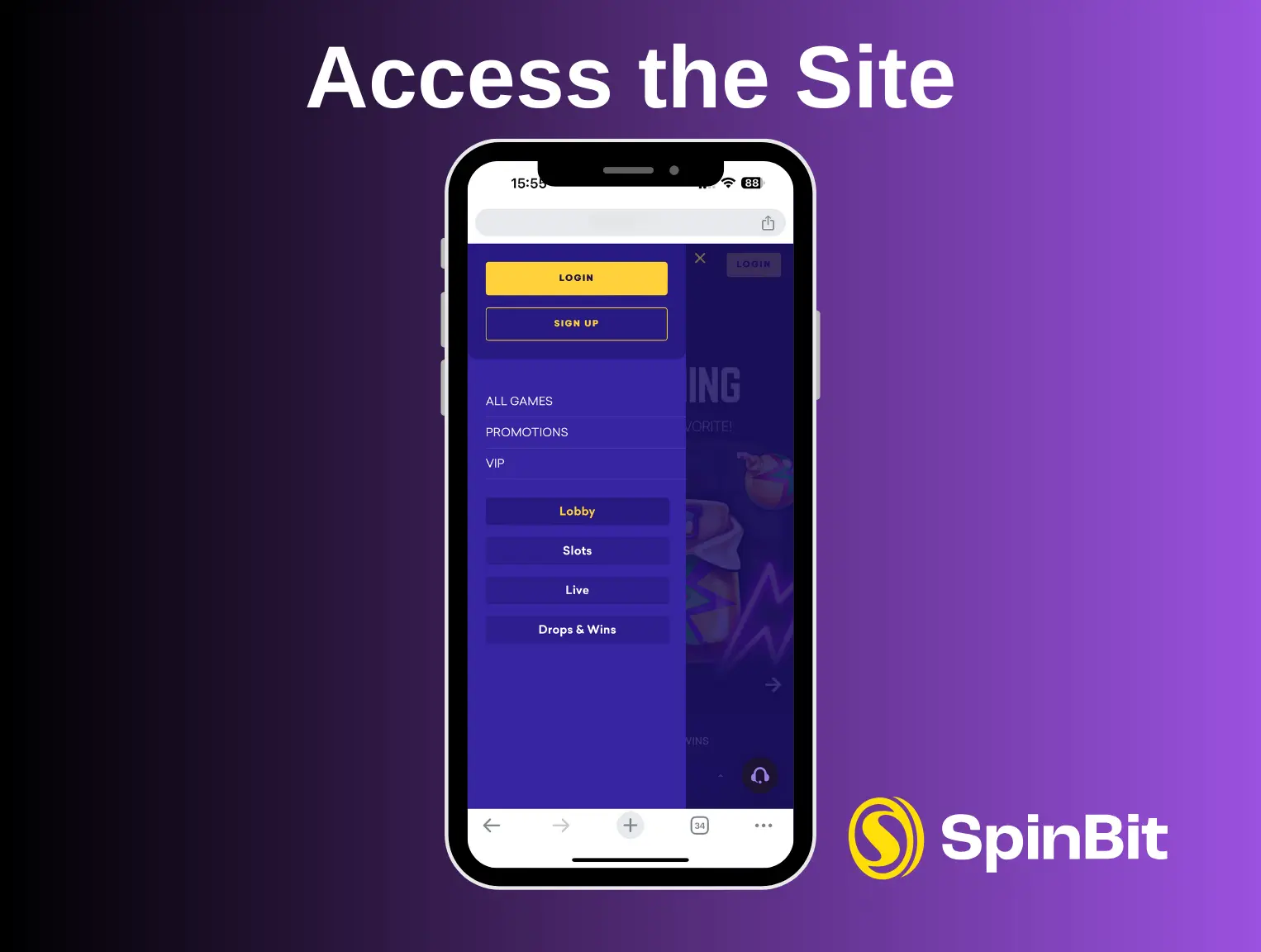
  1. Step 1: Access the Site

    • Navigate to the main page of https://spinbitcasino.co.nz/.
    • You have two options to start the sign-up process: click the ‘Login’ button and then ‘Sign Up,’ or open the burger menu (on mobile devices) and select ‘Sign Up’.
    Step 1: Access the Site
  2. Step 2: Account Details

    • Fill in your basic information: set a username, email address, password, first name, and last name.
    Step 2: Account Details
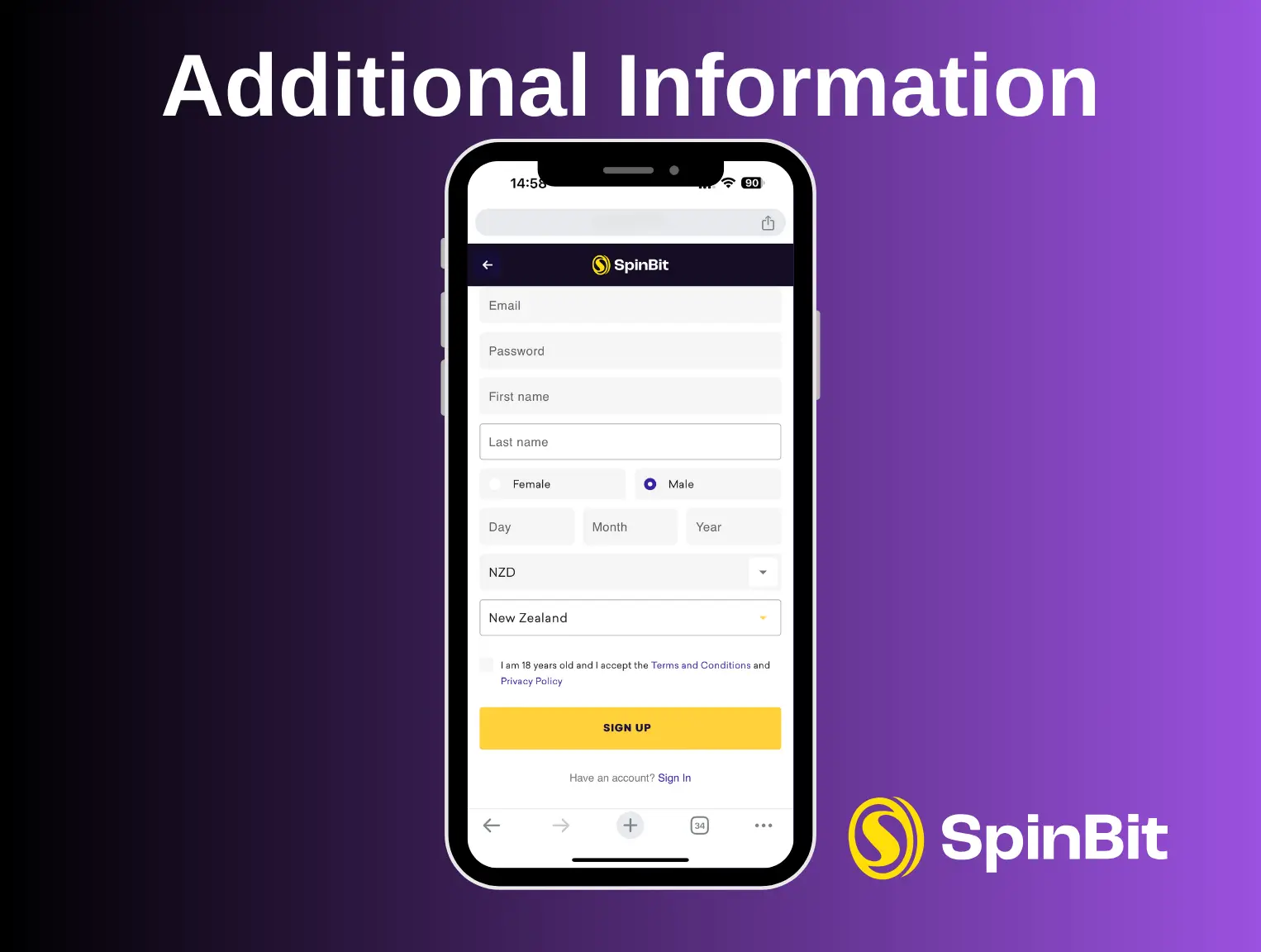
  3. Step 3: Additional Information

    • Continue to fill out the form by selecting your gender and birth details.
    • Currency will be set to NZD for New Zealand players automatically.
    • Select your country from the dropdown menu.
    • Confirm that you are 18+ and accept the terms and conditions along with the privacy policy.
    Step 3: Additional Information
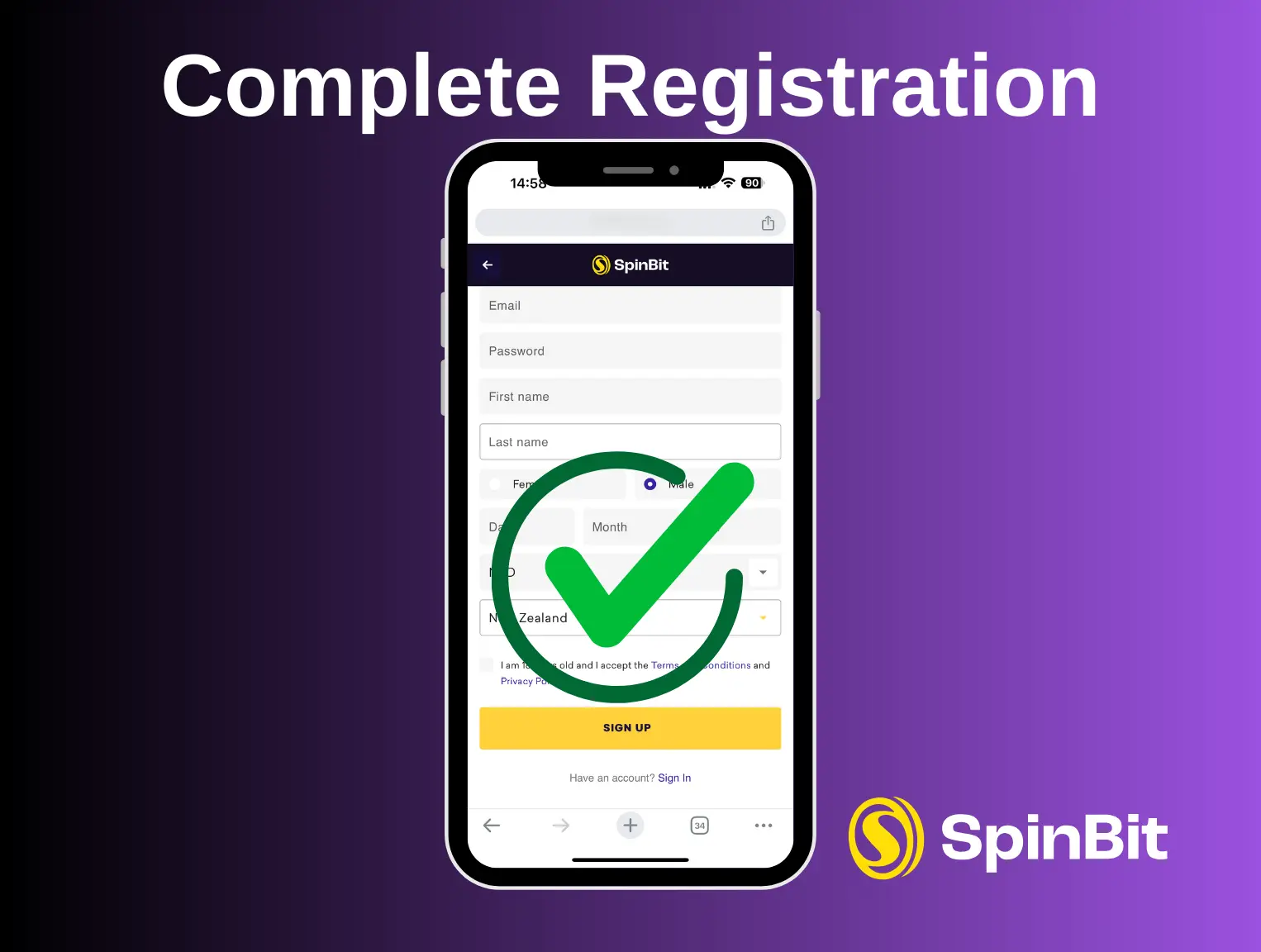
  4. Step 4: Complete Registration

    • Click ‘Sign Up’ to complete your registration.
    Step 4: Complete Registration

Logging into your Spinbit player account for the first time

After you’ve registered with Spinbit, logging in is straightforward. We’ve streamlined the process to get you into your account quickly. Just visit our website and click the purple “Login” button located on the top navigation bar, right next to where you registered.

To log in, enter the email address and password you set up during registration. This quick access means you can start playing your favorite games without delay.

Logging into your Spinbit player account for the first time

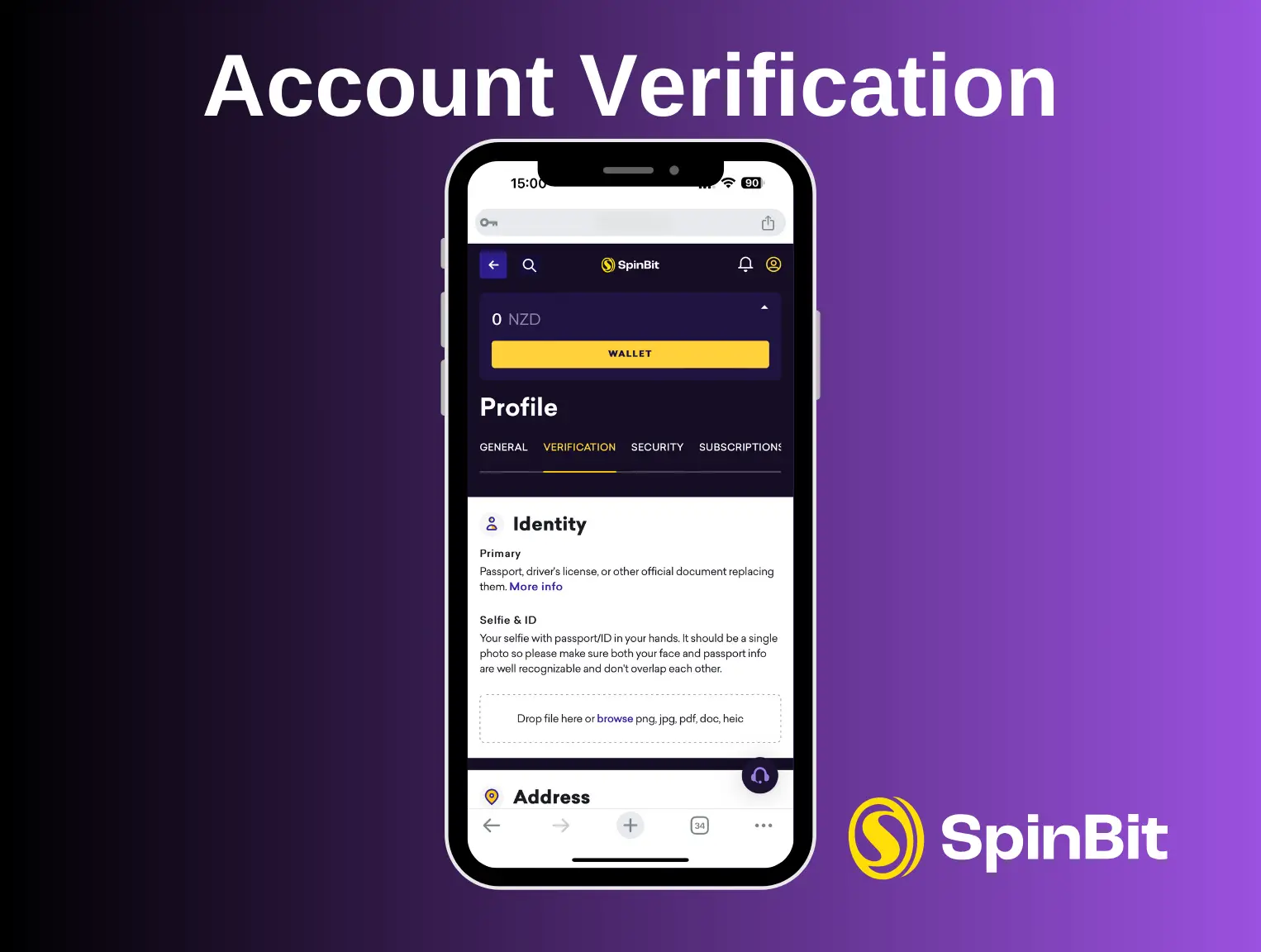
Account Verification

Account verification is a mandatory requirement to comply with legal regulations and confirm your legal age and ownership of payment methods. It’s a step we must take, and we appreciate your understanding and cooperation.

Here’s what you need to do:

  1. Identity: Upload a photo of your passport, driver’s license, or similar document.
  2. Selfie with ID: Take a selfie holding your ID where both your face and the ID are clear.
  3. Address Proof: Submit a recent utility bill, phone bill, or bank statement that shows your name and address.
  4. Payment Verification: Upload photos of your bank cards in the last six months. The images should show the first six and last four digits, your name, expiry date, and all card edges.
  5. Phone Verification: Confirm your phone number, including the country code.

Account Verification

Upload documents in PNG, JPG, PDF, doc, or their format. Completing this verification unlocks all account features, including withdrawals. Verification usually processes quickly, letting you enjoy Spinbit’s complete services without delay.

How to Make Your First Deposit at Spinbit

Now that you have your Spinbit account and can log in, it’s time to make your first deposit and enjoy the games. Making a deposit is a simple process that opens up the full range of gaming options available.

Here’s how to deposit funds into your Spinbit account:

  1. Access Wallet: Navigate to our website, log into your account, and click the “Wallet” button.
  2. Choose a Payment Method: You’ll see various payment methods available. Select the one that best suits you.
  3. Enter Deposit Amount: Enter the amount you wish to deposit. The minimum deposit is 10 NZD.
  4. Confirm and Process: Follow the on-screen instructions to complete the deposit. Deposits are free of charge and usually instant.

Remember, to withdraw winnings, you need to complete your profile and verify your personal data. This step ensures that all your transactions are secure and compliant with regulatory requirements.

How to Make Your First Deposit at Spinbit